


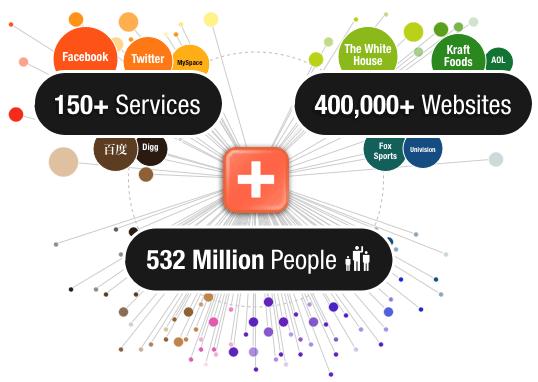
Addthis is a most powerful sharing API to create your own experience. There are millions of sites those are using Addthis button in their site. Now this time Addthis is the global leader for sharing and social insights. It remains onto any website and helps users to share about site content or any topic on internet through facebook like, tweet, Google plus, and up to 120+ social bookmarking sites. Using this dynamic badge can help any site to increase search engine ranking. This widget can be installed with many platforms and blogger is one of those platforms. Today I'd show you all how to install Addthis widget onto blogger. It's extremely easy to install. Follow the below steps.
Addthis Installation Procedures on Blogger
- First go to Addthis official site
- Choose any of the style of your Addthis button and click on Get Addthis button
- Over here provide your mail id, password and retype mail id and click on Register button
- The page below should appear, click on customize below preview
- This page should appear, choose blogger and Install Blogger button should appear
- Hit on the button and you'd be brought up to the Add Page Element
- Provide a title and finally click on Add Widget button
- Your page element will come and you'd see the widget is add on the right top
- Now view your blog and see the button at the footer of your post which will let the visitors to share your post easily online
Importants
Don't delete the widget from your page element, if you want to hide its title simply remove the title text and save the widget at anywhere of your page element. That's it, enjoy.


 Hi! I'm Ahmed Shawan, a tech blogger, webdeveloper, and a Mechanical Science stuedent. I like to do blogging about modern ICT and global technology. Of late i mostly spend my time in wevdevelopment.
0 comments:
Post a Comment