


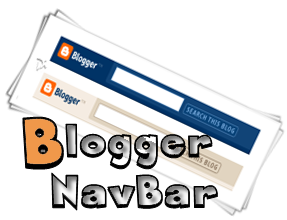
Navigation bar is the most important bar for blogger.com, it's because only to detect blogger the only icon varies is navigation bar. Whenever you will create an account on blogger.com you have to use any of their default templates and after publishing your post you would see a straight sticky bar hanging on the top of your site, many of the users fall trouble to remove it but couldn't find any option. Therefore you have to use slight tactics to remove the navigation bar from blogger template. Let's see below and master the procedures
Procedures to Remove blogger Navbar for Newer Interface
1. It's totally easy to remove blogger navbar just login to your blogger account
2. Go to template section and click on edit html
3. Click on proceed button and find out the codes below near to header section
4. Simply copy any of the codes below and add it onto the targeted section shown below
#navbar-iframe { height:0px; visibility:hidden; display:none }
or
#navbar-iframe { display: none !important; }
That's it! All you're done
Need Help?
If it doesn't work then don't forget to post your comment, your feedback is always appreciated to us


 Hi! I'm Ahmed Shawan, a tech blogger, webdeveloper, and a Mechanical Science stuedent. I like to do blogging about modern ICT and global technology. Of late i mostly spend my time in wevdevelopment.
0 comments:
Post a Comment